

Learn How To Use AI Employees To Run A Lean, Profitable Business.
★★★★★
Live in the room
Some of the feedback from our last Bootcamp
Pulled straight from the Zoom chat while the sessions were still running.
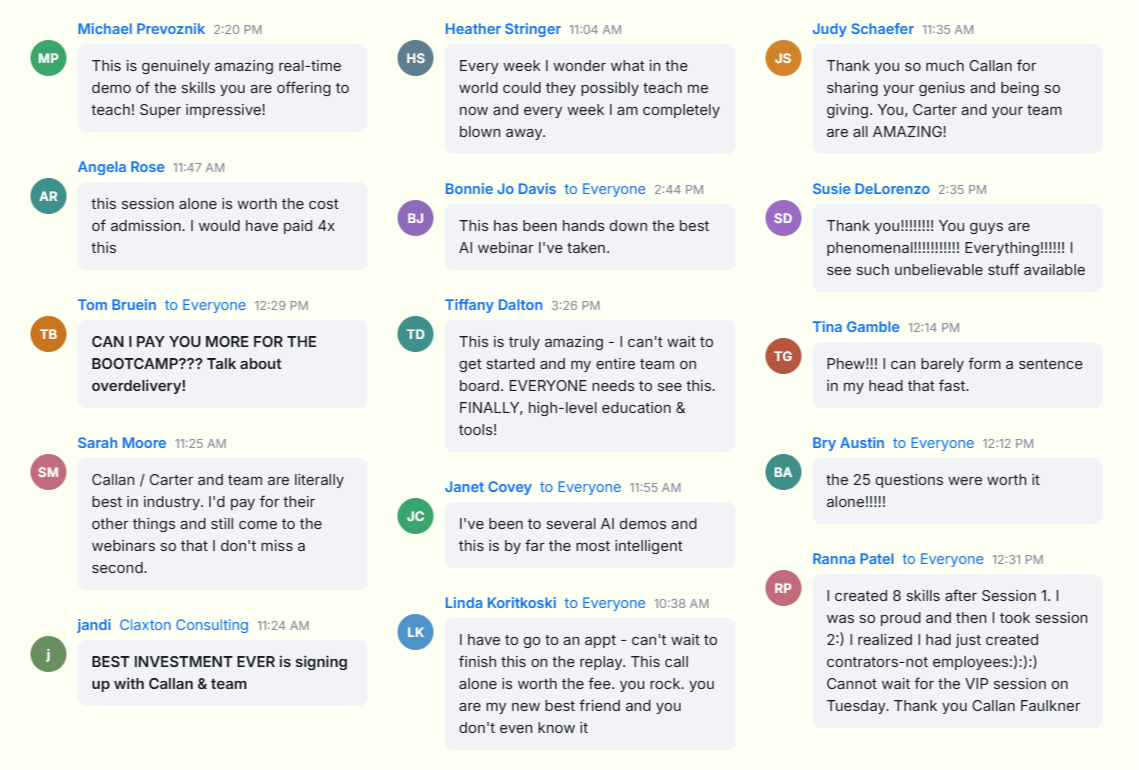
Real messages from the Zoom chat during our last Bootcamp sessions.
Most people are using 1% of what AI can do.

You're the strategist, the marketing, the sales, the fixer, and the final say. Your team can execute, but nothing moves without your input, and you can feel it.
And you already pay for ChatGPT or Claude. You open a tab, type a prompt, copy the answer out, paste it where it needs to go, and tomorrow you do the whole thing again. That's using AI manually, and it's about 1% of what these tools can actually do.
Once you see the other 99%, the busywork stops being yours to carry. The follow-ups go out without you remembering to send them. The report you keep meaning to pull is already sitting in your inbox on Monday. The repeatable work eating your best hours gets handled while you're doing the work only you can do, and your time and your focus come back to you.
Copying and pasting into a chat window is not the same thing as building an employee, and that gap is the whole reason this Bootcamp exists.
So what actually is an AI Employee?
An AI employee is trained on your business, your voice, your processes, your data, and it does a real job. It’s not a prompt you babysit. Think of it like a dedicated seat on your team that runs while you lead.
Everyone is saying “AI employee” right now. Almost none of the people teaching it are actually running a company on them. Most are AI teachers with a couple of VAs and a slide deck about what’s possible.
We have 150+, and they live everywhere our humans live. Anywhere there is repeatable manual work, there is an AI employee doing it instead of a person. We didn’t build them so we could teach this. We built them because we needed them, and figuring out how to teach it came after.
That’s the part you can’t get from a slide, and it’s why we only do this live, a few times a year. You’re going to watch them working inside a real business, department by department, on my screen.
There are four levels to this, and in the Bootcamp you’ll see all of them. For now, the only thing you need to know is that the repeatable work eating you and your team’s best hours was never work that needed a human. It needed a system that works like one.
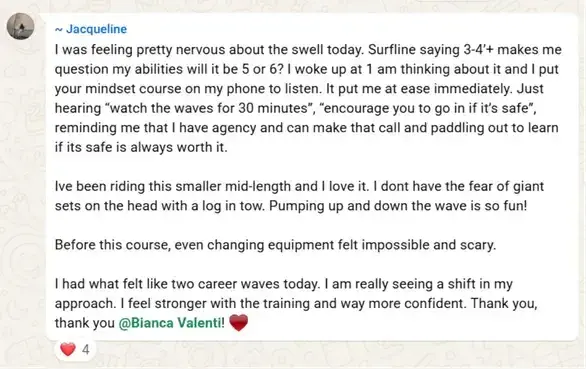
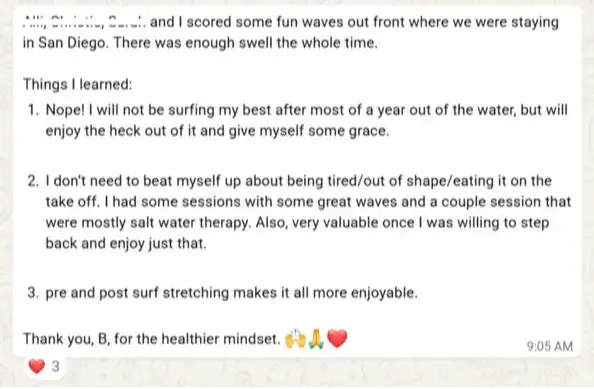
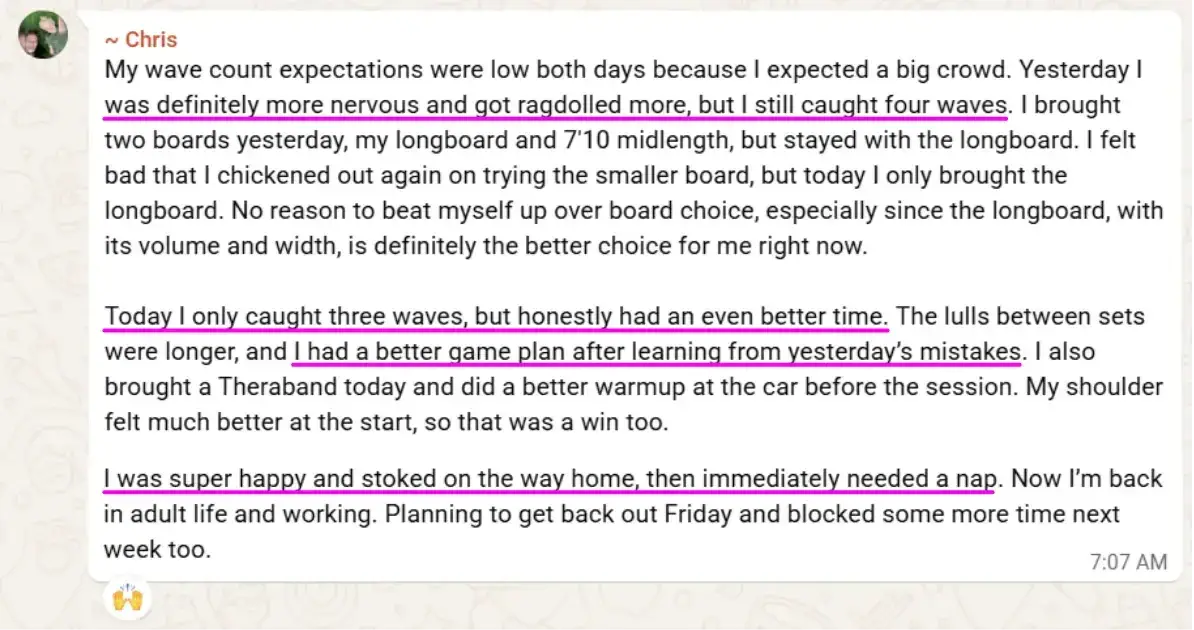
What changed for people who joined the last Bootcamp

Amazing Feature
Lorem ipsum dolor sit amet, metus at rhoncus dapibus, habitasse vitae cubilia.
THE SESSION
What happens in the 90 minutes
A working session, not a keynote. Real client work on screen — a live audit, and a real Black Friday landing page taken apart section by section. Structured on the same framework we run client engagements on.
Find the leaks before you spend on traffic
You'll learn how we diagnose a store in week one of an engagement, and how to run the same pass on your own.
- ◆
Why stores lose money on Black Friday — the three failure modes, and the numbers that make each one visible in your own Shopify admin
- ◆
The audit — last year's sales window, site speed, app bloat, checkout drop-off, tracking health, and a real mobile pass, walked through live in a Shopify admin
- ◆
Offer architecture — the margin math before the design; flat versus tiered versus bundles, and how to pick one hero offer instead of eight competing ones
You leave able to run this audit yourself, with our scorecard and your own numbers in it.
Build the page and warm the list
The longest stretch of the session, and the reason most people register.
- ◆
The landing page, section by section — a real Black Friday page we built, taken apart top to bottom: what goes above the fold, how the tier table earns its place, why the product grid is curated instead of complete, where objections get handled, and why sending paid traffic to your homepage is the most expensive mistake on this list
- ◆
Warming the audience — the early-access waitlist, the email and SMS cadence in the weeks before, segmenting past purchasers, and the deliverability warm-up that has to start now rather than in November when your sending volume triples
You leave with the annotated wireframe, so you or your developer can build it without guessing.
Run the weekend and keep December alive
How the four days actually get managed, and what happens after them.
- ◆
Launch operations — code freeze and what it forbids, the full test pass, backing up your theme as a rollback plan, inventory buffers, and who watches what on the day
- ◆
The Saturday and Sunday dip — why it happens and what to change when it does, instead of panicking into a deeper discount
- ◆
The Cyber Monday pivot — a different audience and a different message, not a resend of Friday's email
- ◆
Open questions — bring your store; we take as many as fit
You leave with the countdown checklist, dated backwards from 27 November through Cyber Monday.
You leave with what we use internally
Emailed the moment the session ends. Not summaries of the slides — the actual documents.
- ◆
Black Friday audit scorecard
- ◆
Discount and margin calculator
- ◆
Landing page annotated wireframe
- ◆
Email and SMS sequence timeline
- ◆
Launch countdown checklist, Friday through Cyber Monday
- ◆
The session recording, yours to keep
FYI: This is a session where you learn the system and get the files. We are not auditing your store or building your page — you or your developer do the work, with our process in hand.
But don't just take our word for it. Take it from our clients.
Real results, delivered. We've helped these brands grow. Yours could be next.
Strategy vs Guesswork
Why store owners choose this over a generic Black Friday webinar
| What you actually get | THIS SESSION | A GENERIC WEBINAR |
|---|---|---|
| A real client audit and a real Black Friday page taken apart live, not slides |
✓
|
—
|
| Shopify-specific, walked through in an actual admin |
✓
|
—
|
| Sequenced to a date — what to do each week, then each day of the weekend |
✓
|
—
|
| The working files we use internally, yours to keep and reuse |
✓
|
—
|
| Ticket credited back if you book an engagement within 30 days |
✓
|
—
|
CLIENT RESULTS
What working with us looks like
Take it from our clients, not us.
FYI: This is a session where you learn the system and get the files. We are not auditing your store or building your page — you or your developer do the work, with our process in hand.
